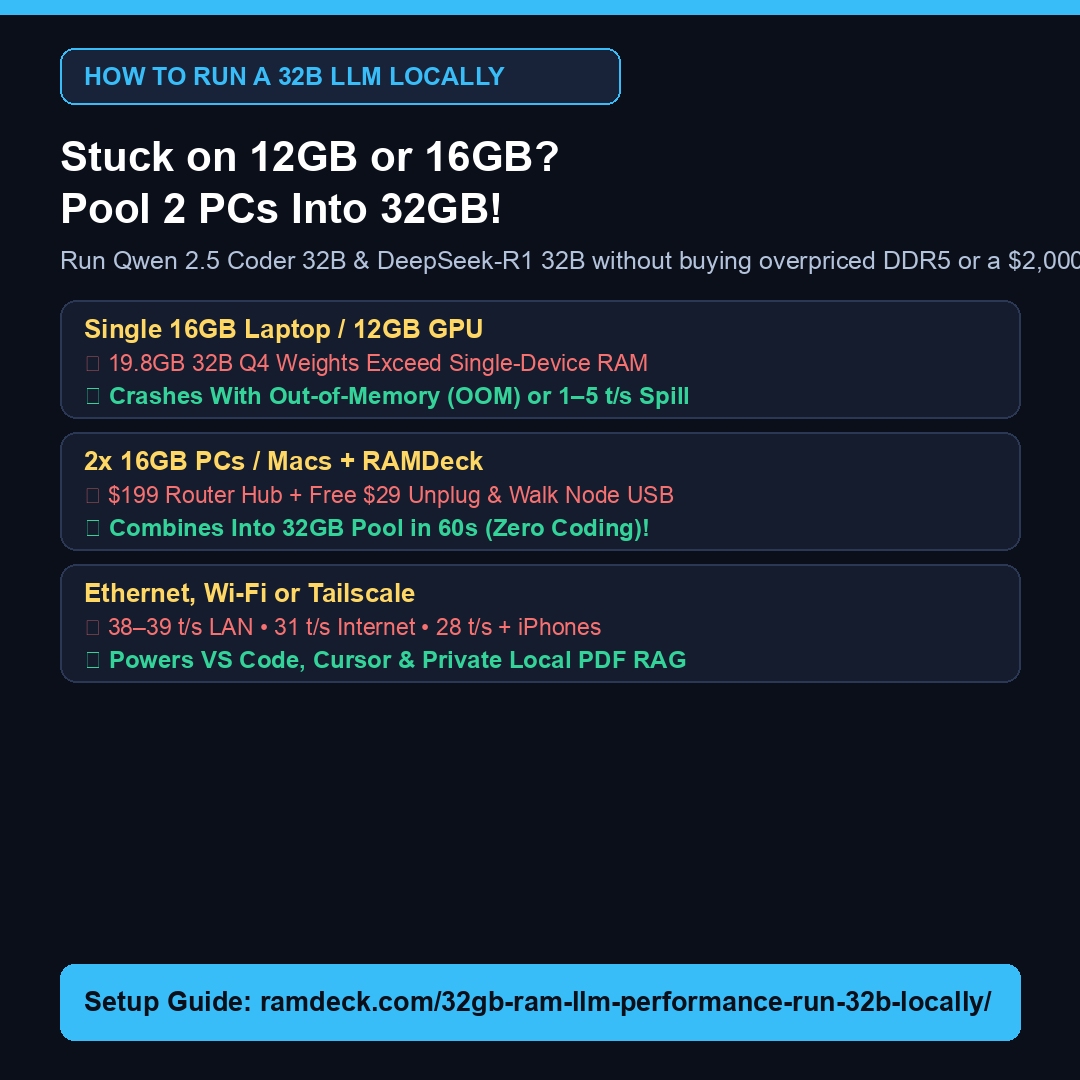
Direct Answer: A widespread myth claims that if you own an M1, M2, M3, or M4 Apple Silicon Mac with 8 GB, 16 GB, or 24 GB of soldered Unified Memory, that factory number is the permanent ceiling for running local LLMs. While you cannot solder extra RAM chips inside an aluminum MacBook or Mac mini, network memory pooling with the RAMDeck Hardware Hub ($199) lets any M-series Mac combine its fast Metal Unified Memory externally with a second Mac, a Windows or Linux PC, or even household iPhones and iPads over Wi-Fi, Ethernet, or built-in Tailscale.
Verified Apple Silicon Multi-Device Benchmarks
- M3 MacBook + Two iPhones Over Home Wi-Fi (28.0 tok/s): Using RAMDeck’s official Apple App Store companion app, an iPhone 16 contributes ~3.2 GB of active unified memory (~2 GB to 4.5 GB across modern iPhones/iPads), letting a 16 GB MacBook run
Qwen 30B MoEat 28 tokens/sec without crashing. - M4 Mac mini + Windows RTX 3060 Mini PC (38–39 tok/s): Unites Apple Metal Unified Memory and NVIDIA CUDA VRAM in one 60-second plug-and-play cluster with multi-user air-gapped PDF RAG (ideal for legal teams under ABA Formal Opinion 512).
- 16 GB MacBook Away From Home + Office Desktop via Tailscale (31 tok/s): Built-in 1-click Tailscale remote GPU pooling expands a traveling MacBook’s LLM capacity over the internet.
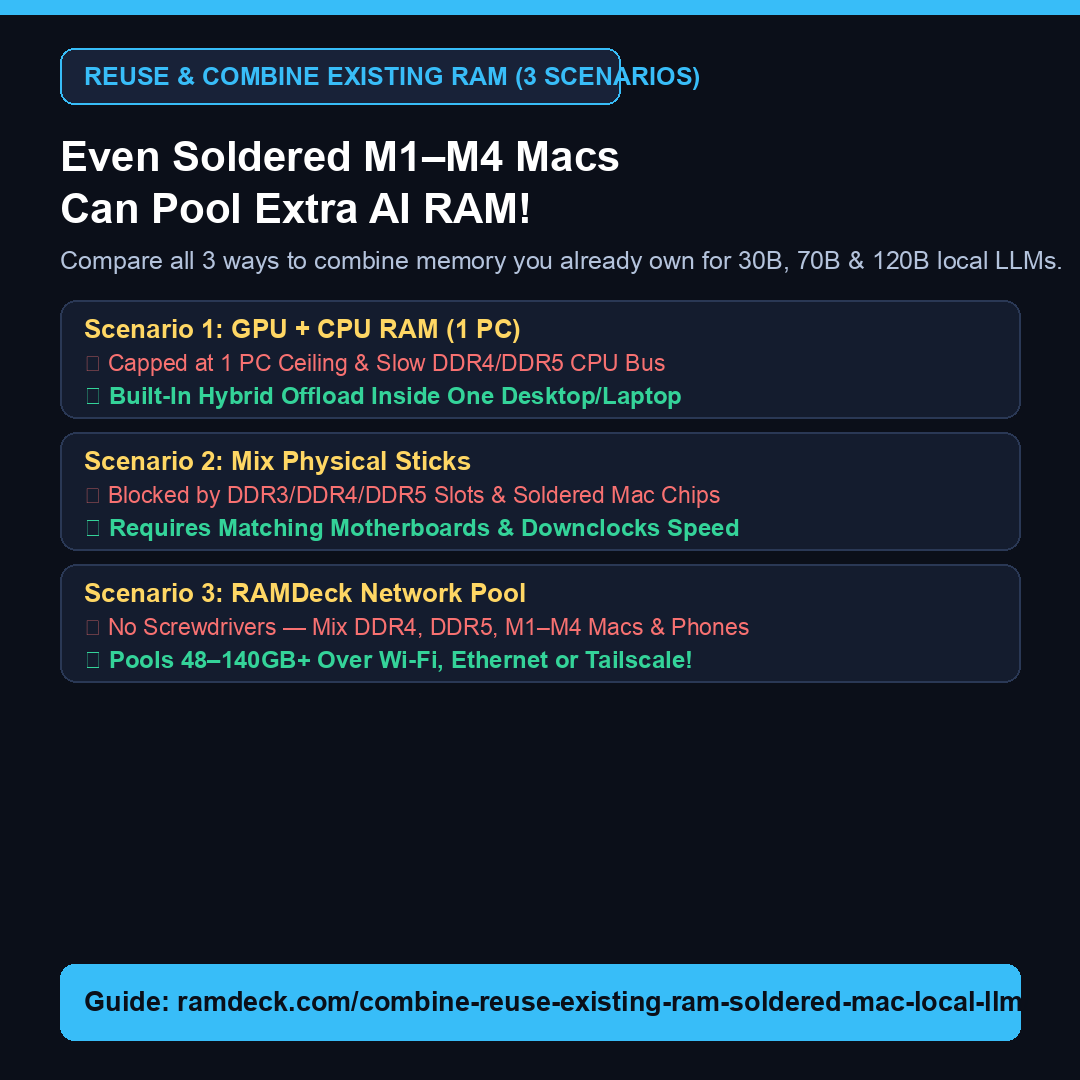
Explore all three memory reuse scenarios in How to Reuse & Combine Existing RAM for Local LLMs (Including Soldered M1–M4 Macs) or check your exact setup in the Local LLM RAM Calculator.
— The TradeMAV Team
Trademark Notice: TradeMAV™ is a trademark of TradeMAV LLC. All third-party product names, including Apple, Mac, MacBook, Mac mini, Apple Silicon, iPhone, LM Studio, Ollama, Open-WebUI, Continue.dev, VS Code, Cursor, and Tailscale, are trademarks or project names of their respective owners, which are not affiliated with, sponsoring, or endorsing RAMDeck or TradeMAV LLC.
About the Author