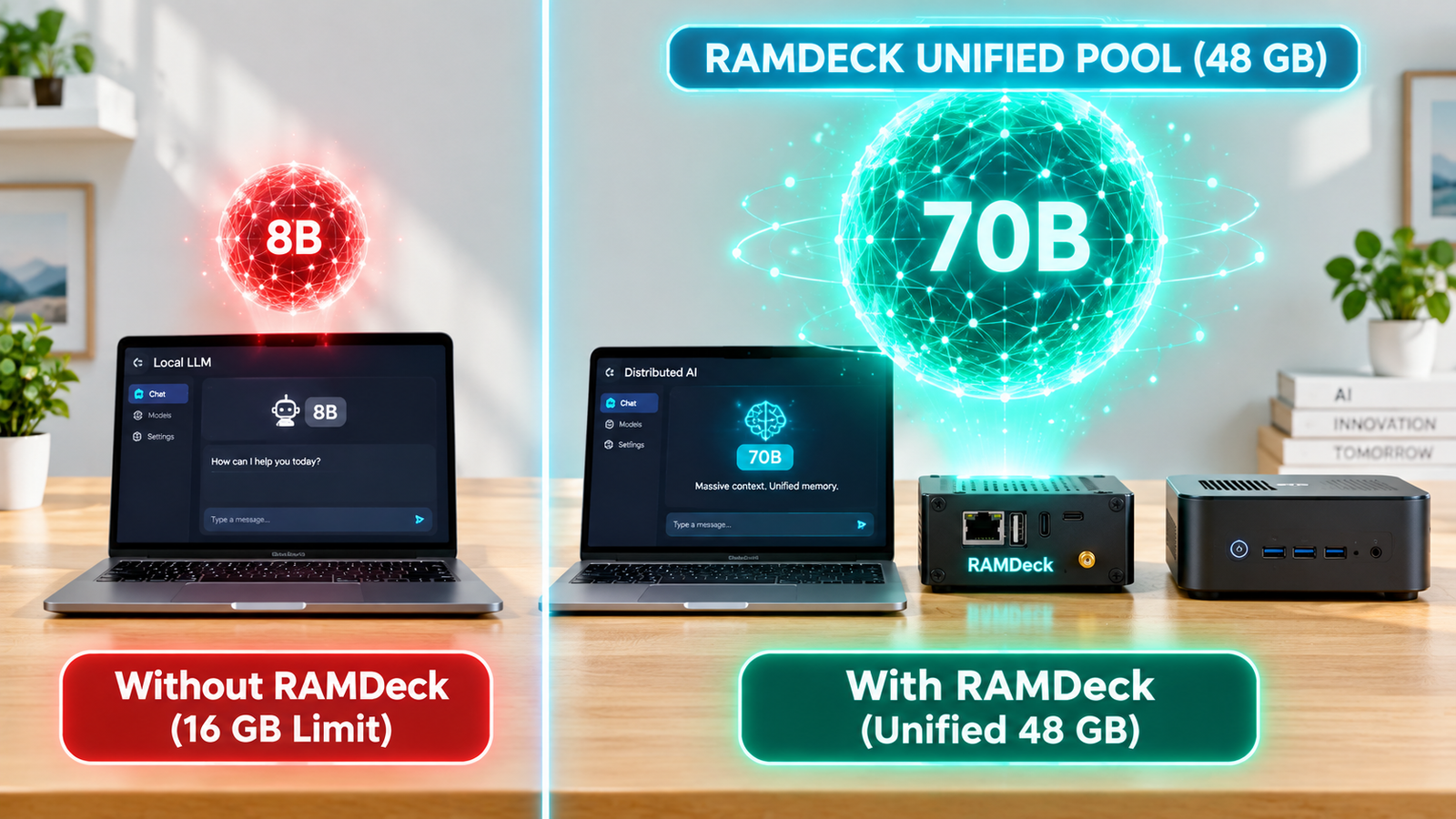
Direct Answer: To reuse RAM from an old PC to run local AI models, you cannot physically pull DDR3 or DDR4 sticks out and mix them into a new DDR5 motherboard. Instead, you leave the RAM inside the old computer and pool its memory over your local network (LAN) using distributed inference. With the plug-and-play RAMDeck Hardware Hub ($159 Indiegogo Special) and its included Free $29 Zero-Install Node USB, you can combine old laptops, desktops, Macs, Linux boxes, and phones into a unified 48 GB to 140 GB+ AI supercomputer in seconds.
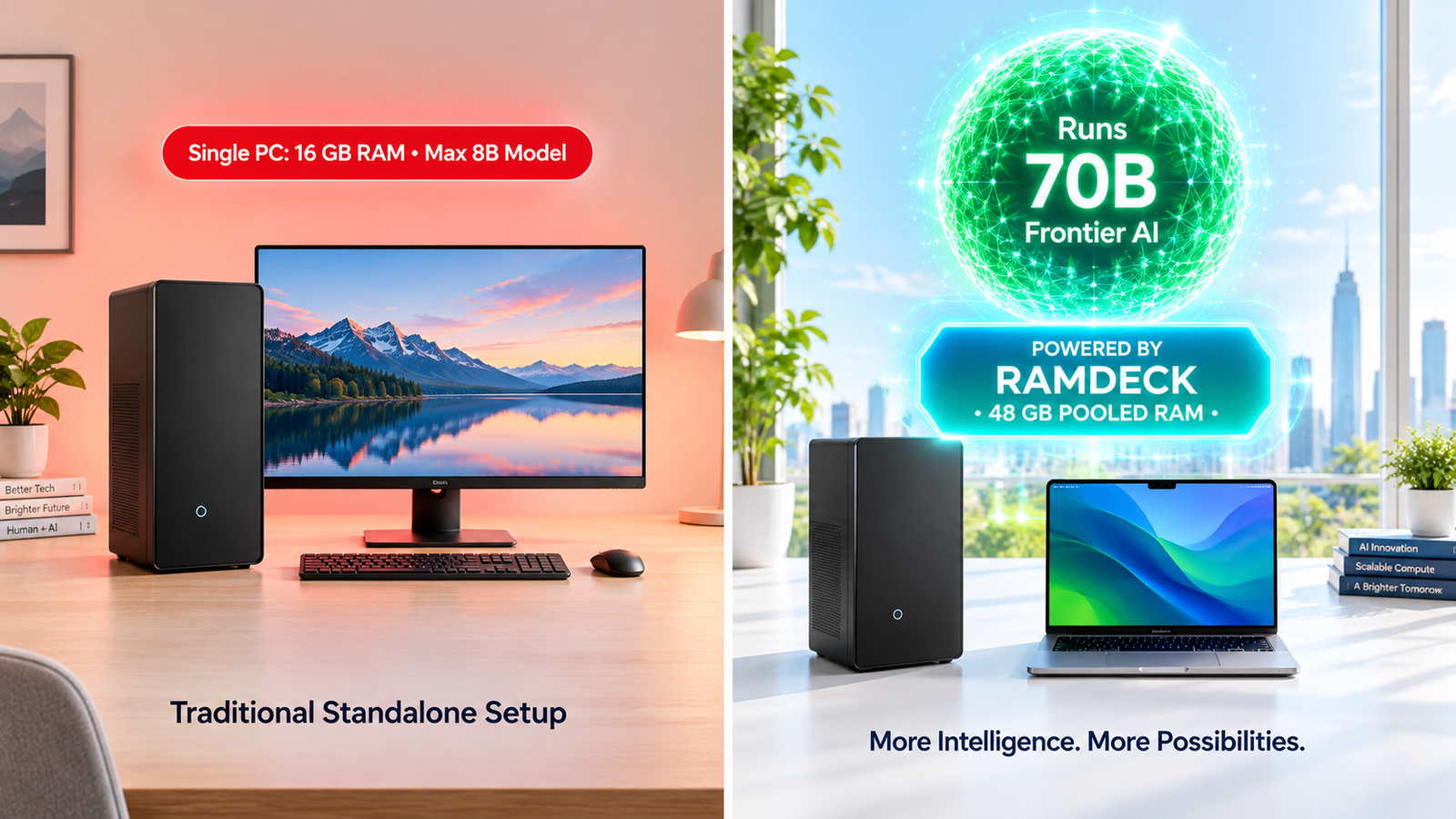
Why Network RAM Pooling Works for AI (Even Across DDR3, DDR4 & DDR5)
While PC gaming requires nanosecond memory access across a single motherboard bus, Large Language Models (LLMs) compute sequentially layer by layer. Machine A computes Layers 1–22 in its own DDR4 RAM, sends a compact kilobyte activation vector over your home router to Machine B, and Machine B computes the next layers in DDR5 or Apple Silicon unified memory.
Zero-Install Activation: The Official RAMDeck Node USB (“Unplug & Walk”)
What if you want to borrow RAM from a daily-driver MacBook, a family Windows PC, or a Linux laptop without installing permanent background services? Every backer who orders a $159 RAMDeck Hardware Hub on Indiegogo receives one Official RAMDeck Node USB ($29 retail value) completely FREE:
- Double-Click & Go: Plug in the USB and double-click
Run_RAMDeck_Mac,Run_RAMDeck_Windows, orRun_RAMDeck_Linux. Zero installation and zero internet downloads required (watch the 4-minute live demo). - Unplug & Activate Every PC in Your House: Once launched into temporary memory, physically unplug the USB stick and walk it over to Computer #2 and Computer #3 to activate your entire home cluster with a single thumb drive.
- Zero Residue on Exit: Press
Ctrl+Cwhen done and 0 bytes or background services remain on the host machine.
Explore the full benchmarks in How to Pool RAM from Old PCs and How to Run a Large LLM Locally, or back the RAMDeck Hub ($159 Indiegogo Special + Free $29 Node USB).
— The TradeMAV Team
About the Author